Premiere Pro
PREMIERE-PRO TUTORIAL
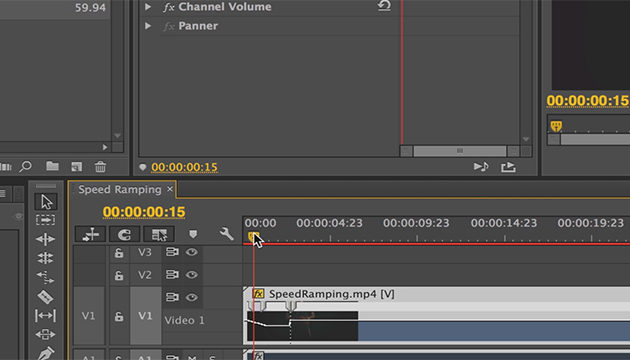
Premiere Pro: Frame Holds and Clip Speed
This tutorial covers how to use Premiere pro to hold a frame from your video clip and also, how to adjust clip speed and duration.
-
PREMIERE-PRO TUTORIALPremiere Pro: Text Rolls and Crawls
This tutorial shows you how to get your text moving in Premiere Pro CS4.
-
PREMIERE-PRO TUTORIALText Attributes in Premiere Pro
This tutorial covers ways to tweak your text in Premiere Pro in order to make it more eye-catching.
-
Creating Transitions in Premiere Pro
-
Audio Effects in Premiere Pro CS4
-
Powering Search with Audio Metadata using Premiere Pro
-
Animate Using KeyFrames in Premiere Pro
-
Automation Modes: Live Audio Mixing in Premiere Pro
-
Using the Project Manager in Premiere Pro
-
Title Templates in Premiere Pro
-
Using Clip Markers in Adobe Premiere
-
Using Subclips in Premiere Pro
-
Creating Synthetic Media in Adobe Premiere
-
Writing Audio with Adobe Premiere Pro
-
Premiere Pro CS4 Nest Command
-
Premiere Pro CS4 Lift and Extract
-
Premiere Pro CS4 Blends
-
Premiere Pro CS4 Sync Lock
-
Premiere Pro CS4 Batch Encoding
-
Premiere Pro CS4 Multiple Effects
-
Premiere Pro CS4 Transcribe
-
Premiere Pro CS4 Encoder
-
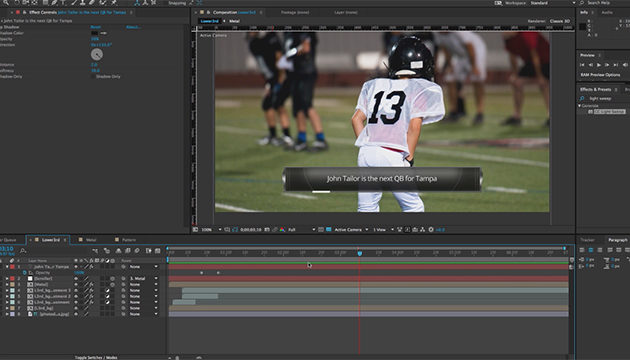
Creating Lower-Third Graphics with Data Sets in Photoshop
Browse Pages:
1 2
From our Partners

- Using and Aligning Layers to a Guide
- Snapping Layers to Each Other
- Simulating a Polarizing Filter for Skies
- Quick Zoom Shortcuts
- Moving Selections, Not the Layer

Photoshop
Illustrator
Indesign
Dreamweaver
Fireworks
Premiere
Flash
After Effects
Lightroom
Acrobat