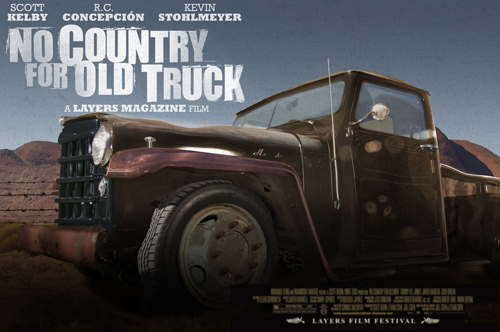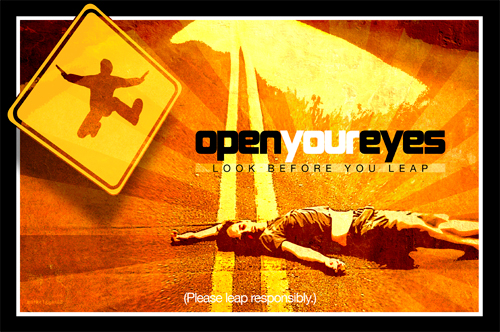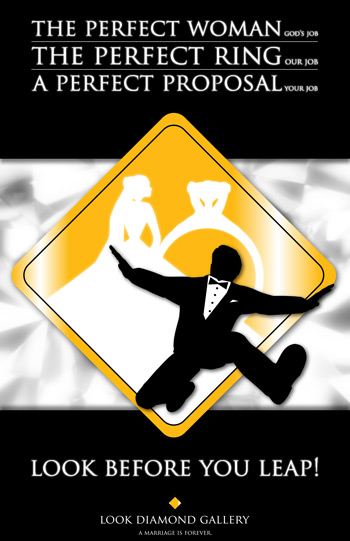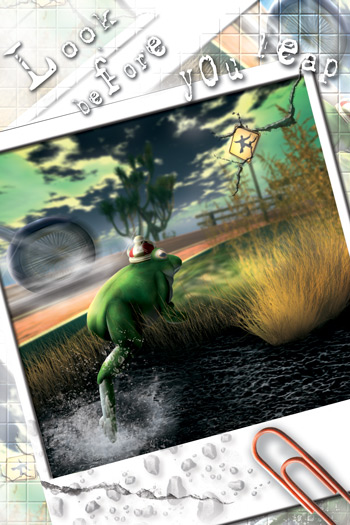

Layers Back Page Design Contest

Design Contest

The Mission

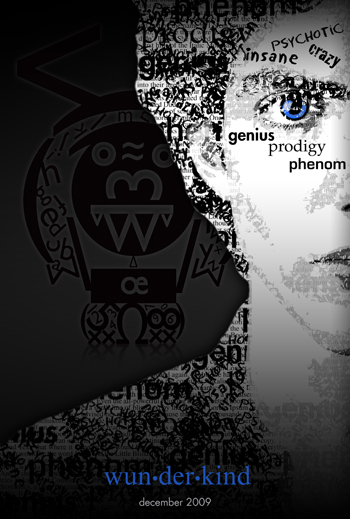
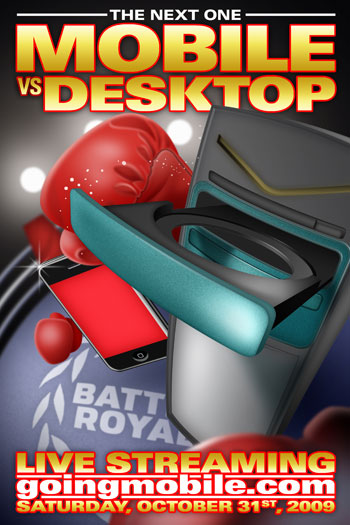
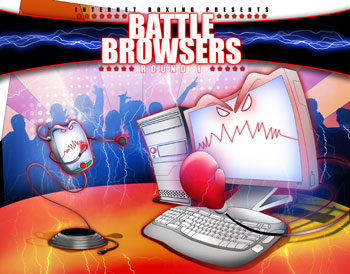
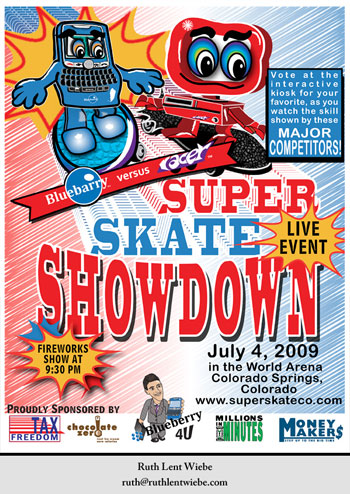
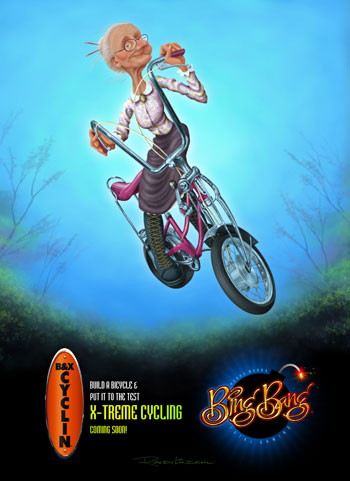
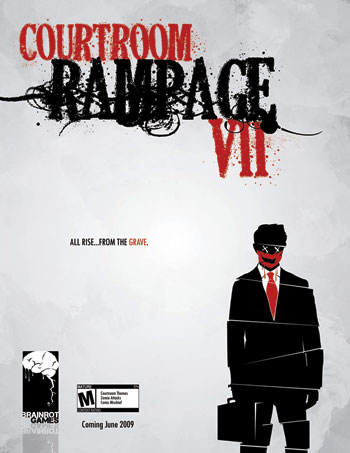
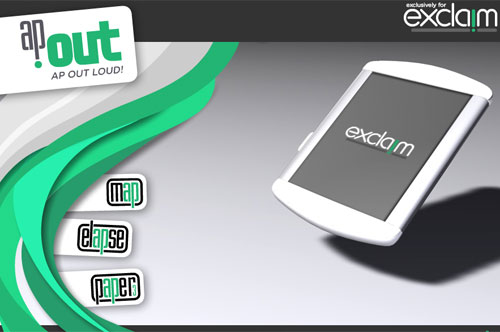
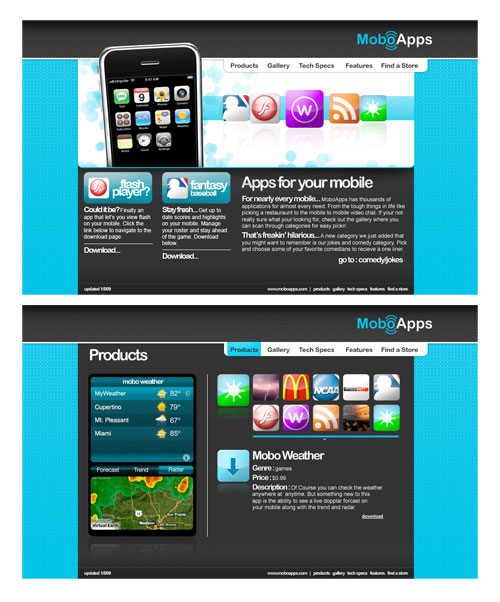
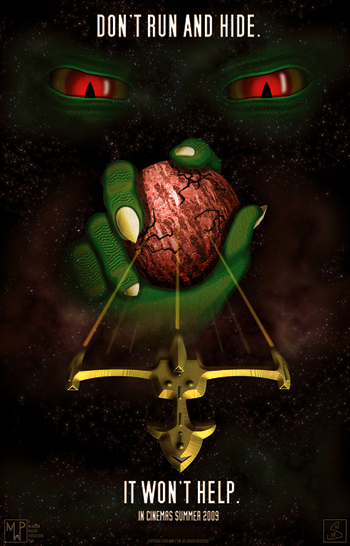
Picking up the theme from our cover story, “Going Digital” by Terry White, on page 34 of the January/February edition of Layers, your mission is to create a print advertisement for what you think an all-encompassing multimedia device will be like in the year 2020. The device should deliver everything a user could ever want: magazines, newspapers, books, games, TV shows, movies, music, the Internet, video chat, etc. But don’t let your imagination stop there. Try to include some unique uses for the device above and beyond just content delivery.

The Downloads

There are no downloads for this contest.

The Judging

You’ll be providing one full-page ad for the judges. They’ll be looking at the overall creativity, use of type, and the quality of illustrations and other images used in the ad. They’ll also take into account the general impact of the advertising message. (Note: Please proofread your designs, or have someone proofread them for you. Typos have a negative impact on judging.)

The Prize

The grand prize winner will receive a $599 shopping spree to KelbyTraining.com. Just imagine the books, DVDs, online training, seminars, and NAPP membership that you could score with that kind of money. And if you’re already a NAPP member, it could even offset the entire cost of a ticket to NAPP’s Photoshop World Conference and Expo.

The Deadline

March 1, 2010 The winner will be announced in the May/June 2010 issue of Layers magazine.

For a complete listing of contest rules, click here.

Visitor Comments »


[...] all the details, visit the Layers Back Page Design Contest page. Share [...]


Pingback by Enter Backpage Design Contest and Win iStock Credits! | Layers Magazine | January 8, 2010 @ 12:40 pm


[...] for info about the latest gadgets Be sure to stop by and see the Layers magazine Backpage Digital Design Contest Check out work from photographer Zack Arias at [...]


Pingback by Layers TV: Episode 121 | Layers Magazine | January 21, 2010 @ 4:38 pm

Leave us a comment

Comments RSS | TrackBack URI

Back to Top


Advertisement
Creative Suite Tutorials
  1. Photoshop Photoshop
  2. Illustrator Illustrator
  3. Indesign Indesign
  4. Dreamweaver Dreamweaver
  5. Fireworks Fireworks
  6. Premiere Premiere
  7. Flash Flash
  8. After Effects After Effects
  9. Lightroom Lightroom
  10. Acrobat Acrobat

Get the latest tips, tricks and news delivered straight to your inbox.

From our Partners
Subscribe to Layers Magazine


  • Back to the Layers Magazine Homepage
  • Creative Suite Tutorials
  • Layers Magazine
  • Reviews on top products
  • Layers Magazine Reader Forums
  • Subscribe to Layers Magazine